How to build a base in Subnautica 2
Answer first
Scan two Habitat Builder fragments (Welcome Center is the closest pair), craft the Habitat Builder, then place a Corridor or Room, Hatch, Solar Panels, and an interior Fabricator in shallow water near resources.
Field notes
| Materials | Titanium, Quartz, Glass, Copper Wire, Basic Battery |
|---|---|
| Tools | Scanner, Habitat Builder |
| Depth / zone | Shallow starting biome |
Steps
- Craft a Scanner at the Lifepod Fabricator (Personal): 2 Titanium, 2 Quartz, 1 Basic Battery.
- Swim to the Welcome Center southeast of the Lifepod. Scan one Habitat Builder in the open crate by the entrance sign, then clear the floor hole and scan the second in the lower crate.
- Craft the Habitat Builder: 2 Titanium, 1 Glass, 1 Basic Battery, 1 Copper Wire.
- Pick a shallow, flat site near Titanium / Copper / Quartz (and later a natural current for Hydroelectric Turbines).
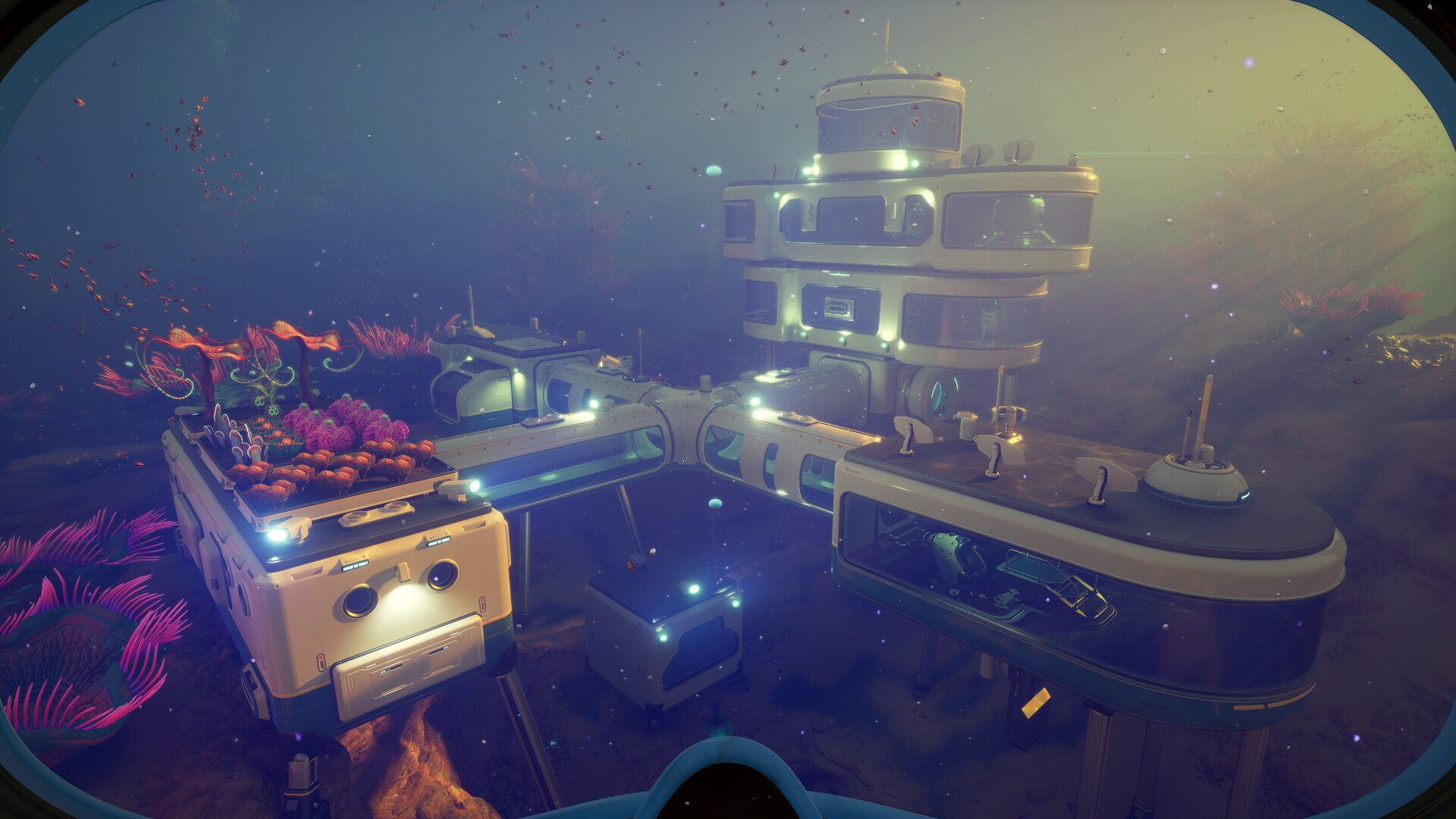
- Equip the Habitat Builder, open the build menu (right-click / LT), place Corridors or a Room, add a Hatch, then exterior Solar Panels so power (and oxygen) stay online.
- Inside, place a Fabricator and lockers. Keep generation above draw — the HUD power readout near the base shows the balance.
Checklist
- Scanner crafted
- 2× Habitat Builder scans
- Habitat Builder crafted
- Hatch + Solar Panel + Fabricator placed
- Power ≥ draw
Version differences and limitations
- Exact fragment coordinates vary by report; use the Welcome Center landmarks and expect small differences between builds.
- Room unlock timing vs corridor-only start differs slightly across guides — rooms unlock via separate scans/story progress.